
Introduction
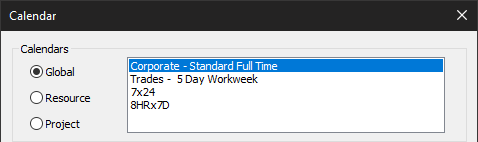
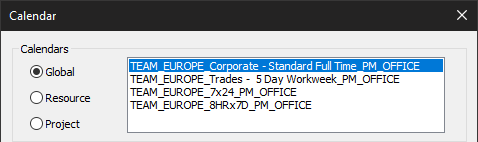
ScheduleCleaner™ is a stand-alone application that allows you to modify certain project categories and save these changes into new project file. Project Schedulers and managers with ScheduleCleaner™ have the ability to remove confidential data from the project file and personalize the information in the file according specific stakeholders’ needs.
ScheduleCleaner™ will not change original project plan that is exported from Primavera® P6 database. It will make a copy of it and modification that are done will be saved in the new file.
Process Overview
ScheduleCleaner™ modifies certain project data and will not change original XER file that is exported from Primavera® P6 database. Instead, it will make a copy of the project plan and modification that are done will be saved in the newly created file.
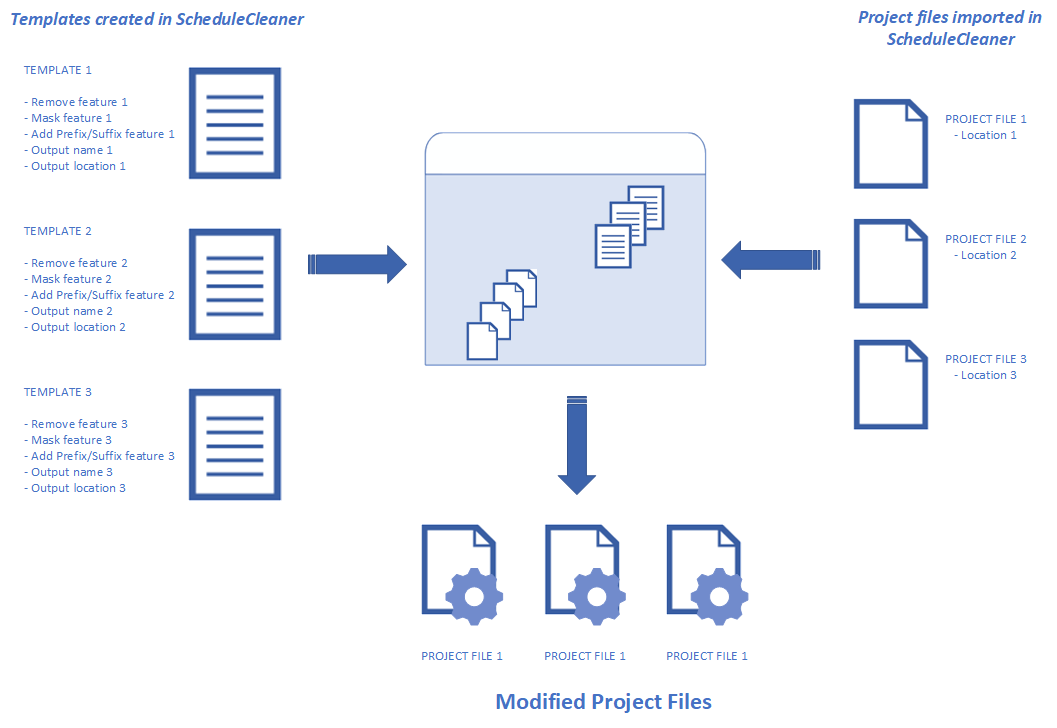
The process workflow for single file is presented on the following image:
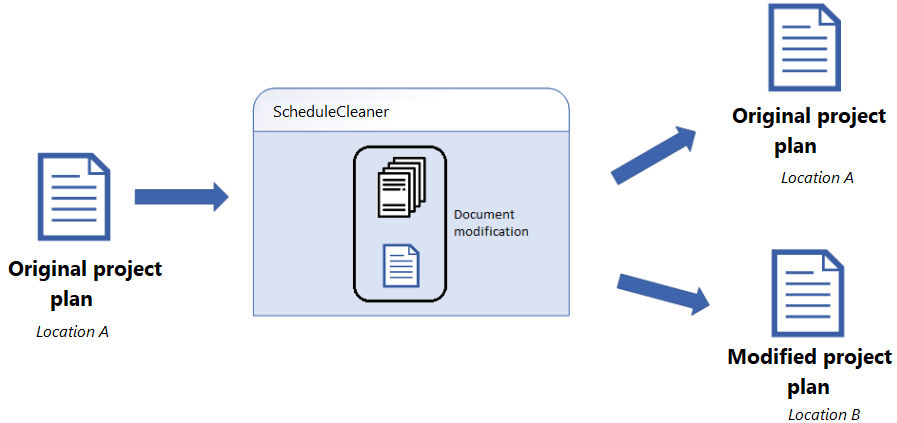
- Project plan is imported in ScheduleCleaner
- Choose how the sensitive project data will be removed from the project plan
- In case of “Quick” clean, cleaning options are selected
- In case of “Batch” clean, templates that contains information for removing, masking data, adding suffix or prefix are prepared and saved within application
- According the specified options, templates and rules, new, modified project file is created
- The initial project plan remains unchanged.
It is very important to know that with the help of ScheduleCleaner, users can not change the architecture of the project plan, meaning that:
- New activities cannot be added in the project plan;
- Existing activities cannot be removed from the project plan;
- Resources cannot be added or removed in the project plan;
- Assigning resources and roles cannot be done.
Key Features
In ScheduleCleaner™, project participants such as project managers can remove sensitive project data, such as rates, units or costs, before sending the project plan to the stakeholders by using one of the following features:
- Remove
- Mask
- Add Prefix/Suffix
- Batch Clean
- Quick Clean
- Change global par. to project par.
Quick Clean
Project plan contains various information for the assigned resources, budgets, stages, materials, etc. Very often, project managers want to hide some of these information before the project plan is sent to various project contractors.
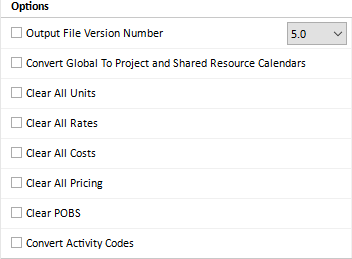
Resource rates, costs, units usually are considered as sensitive information. The purpose of the Quick Clean is to remove some or all mentioned categories in one click. Having in mind how ScheduleCleaner works, the original project plan will remain unchanged, while the modifications will be saved in new file.
Batch Clean
Batch Clean works with templates. User can create multiple templates with various modifying functionalities. While creating the template, user defines the output suffix of the newly created file as well as the location of the new file.
Once the templates are specified, they can be applied to the imported project files. One of the advantages of ScheduleCleaner™ is that multiple templates can be applied to file or group of files.
Remove Project Data
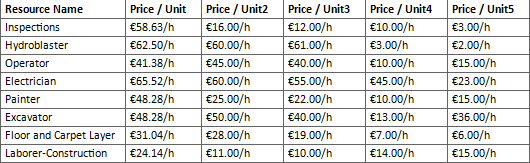
Project plans contains various type of data, such as standard and overtime rates for resources, budgets, expenses, risks, etc. Some of them can be classified as sensitive data and only project managers should see the information. For the other project participants, such as contractors and sub-contractors, this information should be unavailable. In order to avoid the information to be process to the other un-authorized project contributors, ScheduleCleaner™ users can remove the data from the project plan. This is done in new .xer file and this file will be shared with project contractors and sub-contractors.
Mask Project Data
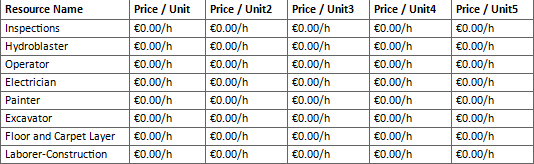
Masking project data refers to same use-case as for "Remove Data" with the following difference: instead of removing the data marked as "sensitive", user can insert custom codes, labels, text for the specified categories. Instead of real vales, un-authorized project contributors will see codes.
Add Prefix/Suffix to Project Data
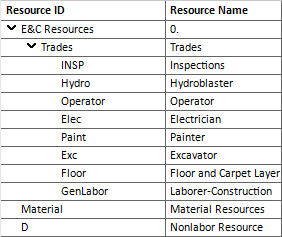
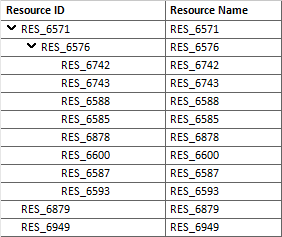
Adding prefixes/suffixes before/after the activities, resources or other project's categories can lead to eliminate the misunderstandings between project teams and give additional explanation or information for particular category.