

Convert Primavera P6 Global to Project Data
ScheduleCleaner acts as key security filter that helps optimize the Primavera XER project file allowing you to remove or convert Global and Project data accordingly, before uploading it in the database.
Primavera P6 Global and Project Data
During an import of a .xer/.xml file into a P6 database, both global and project data from the schedule are added onto the global and project data within the P6 database. The import of external data may disrupt the structure of the database, as Global data may generate duplicate values, overwrite existing values and generate other inconsistencies in the end database.
In contrast to the Global data that is shared between multiple projects in the schedule, Project specific data is unique and tied to each individual projects. A recommended practice before importing external project files in a P6 database is to review the file and the types of data it contains.
Software solutions such as ScheduleReader can provide a view-only access to project schedules in the .xer and .xml file format and be used to perform audits of the Global and Project data types, a tool such as ScheduleCleaner can help you remove, or convert the values of these two data categories.

How Can ScheduleCleaner Help?
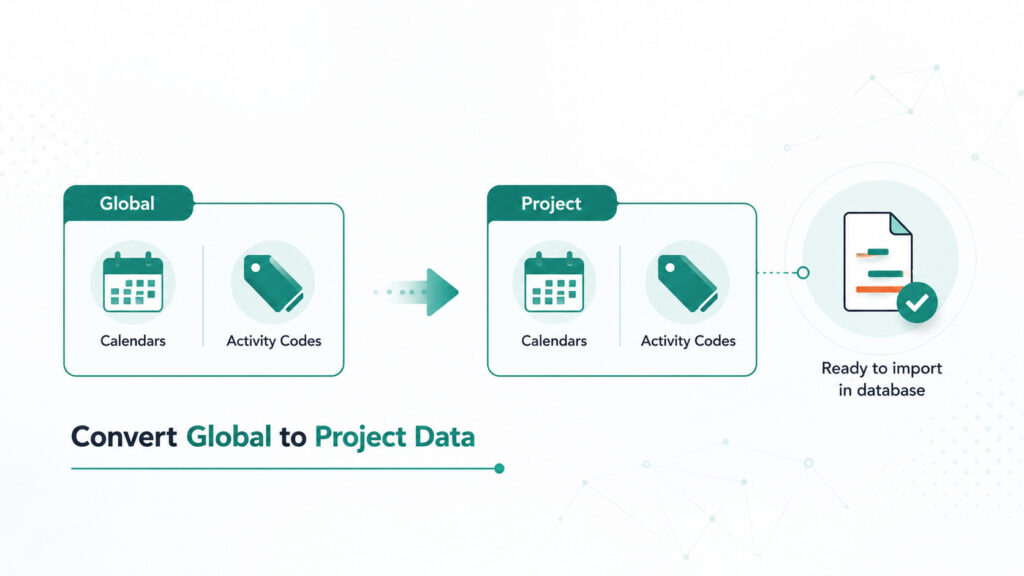
Most common example of Global and Project type data are Primavera Calendars and Activity Codes.
These data values can have different properties such as the Global, when they are used for multiple projects, or the Project, when they are unique and specifically used on one project.
ScheduleCleaner can convert the Primavera P6 Global to Project data (Activity Codes and Calendars), ensuring data values are kept unique and at project level, and avoiding any potential database pollution and corruption during an import of external project files. The conversion from Project level to Global data types is also
The Outcome
With the help of the ScheduleCleaner, schedulers can avoid polluting the database with Global data during the import of external project files. By converting Global Data from the file, you can ensure the data in the project file is unique and can be safely imported in the database where other projects and data are kept.
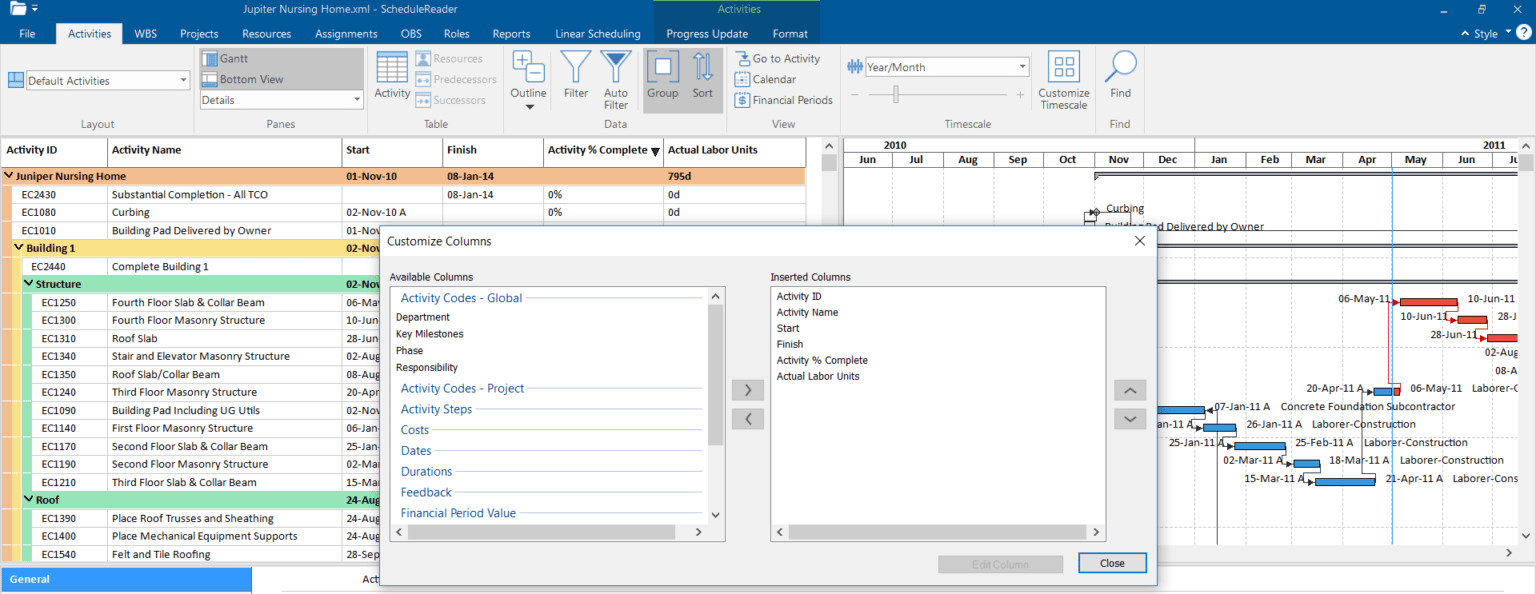
Global Activity Codes: Project plan before “Cleaning”
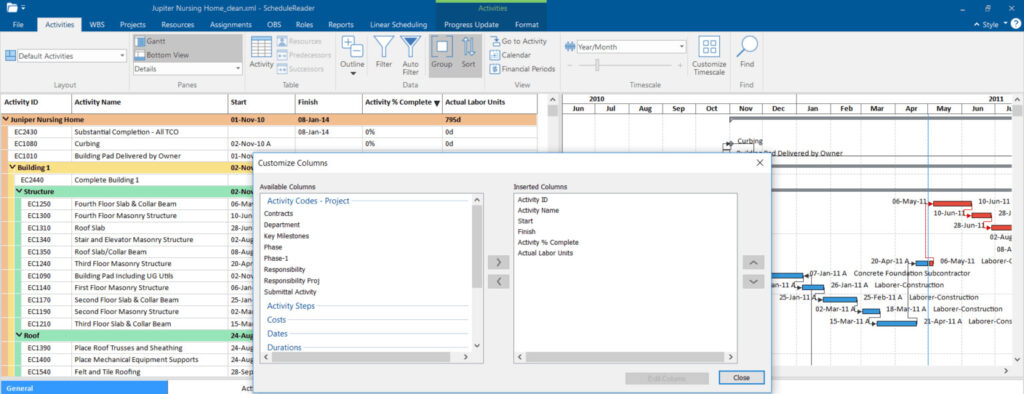
Global Activity Codes: Project plan after Cleaning
Ready to Get Started?
We would be happy to show you how ScheduleCleaner can help you clean and share XER schedules with confidence.