

Change the Version Number of Primavera P6 File
With ScheduleCleaner you can be sure that you can always open your XER file regardless of the if you are using the latest or older version of the Primavera P6 software.
Version Numbers in Primavera P6 Files
The Oracle Primavera software is present on the market for more than two decades and it has released several versions of the application, containing different upgrades, features, and improvements.
A person can receive several projects, (example: file sent from contractor, or file sent from another office internally in the company), that can be created with different versions of the P6 application. If you want to see the information in this file, to avoid incompatibility issues, you must have a more recent or the same version of the application that the file has been originally exported from or change the file version number to match the version of your installation.
Example: You have received a project file from your contractor, created with a more recent version of Primavera P6 such as version 18.8.
However, if you are currently running an older, 16.1 version of Oracle Primavera P6 Professional software on your personal machine, the contractor’s file created in the more recent version of the software will not be compatible with the software version you currently possess.
How Can ScheduleCleaner Help?
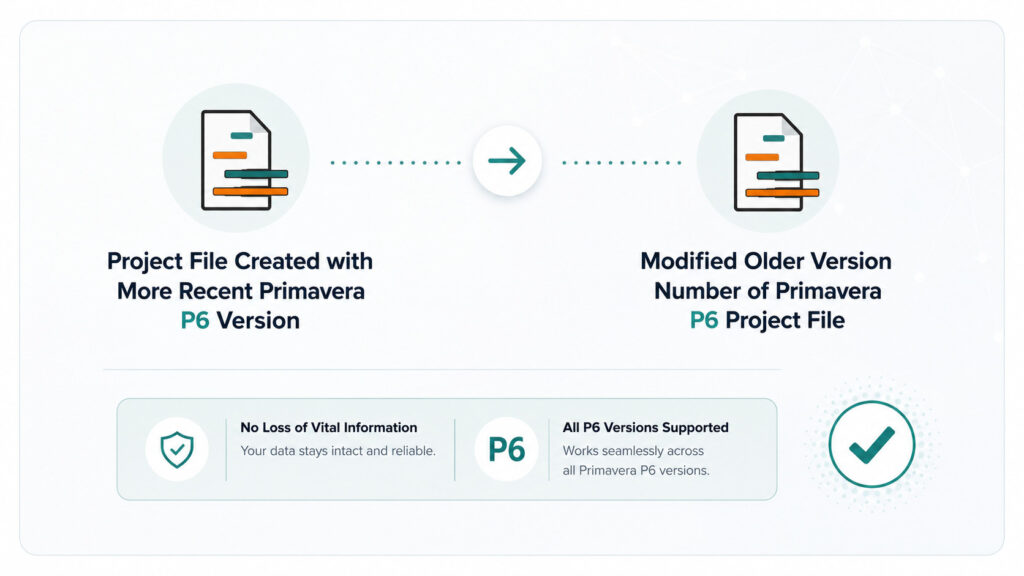
ScheduleCleaner can help you change and match your project file version, exported from a newer version of Oracle Primavera P6 Professional and make it compatible and able to open with a lower version of the application.
The steps are as follows:
- Press the Clean Button to generate a new copy of the file
- Import the project file in ScheduleCleaner
- Check the Output File Version Number option from the Quick Clean view and select the preferred file version
- Rename your new file and choose its final destination
The Outcome
Using ScheduleCleaner to change Primavera P6 file version number is simple, fast, and straightforward. The application converts all data without the risk of losing vital information or damaging schedule integrity.
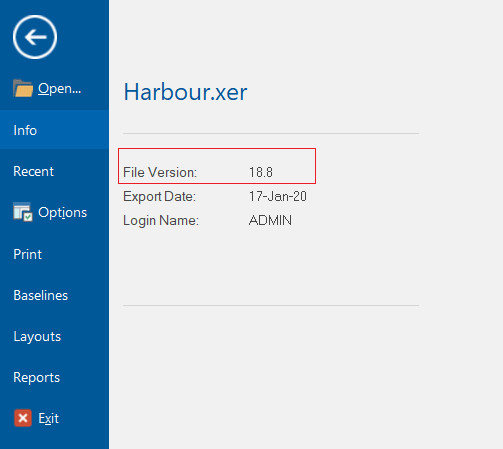
Project plan before “Cleaning”
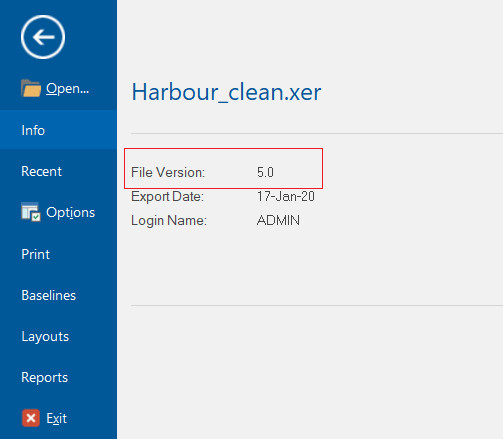
Project plan after “Cleaning”
Ready to Get Started?
We would be happy to show you how ScheduleCleaner can help you clean and share XER schedules with confidence.